How to Set Up Pet Check-Ins When You Live Alone

An automated check-in asks you, on a schedule you choose, whether you’re okay. If you don’t answer, the people you named are told and can go check on you and your pets. To set one up, you need three things: contacts who can reach your home quickly, written care instructions they can follow, and a schedule that fits your day. MyPetsSafetyNet puts all three in one account that works by text, phone call or email, with no smartphone required.
This guide walks you through each step, what to prepare, and where plans usually go wrong.
TL;DR
- A pet check-in is a scheduled message to you. A missed reply sets off an alert to the people you chose, with your pets’ care details attached.
- Pick local contacts first, ideally neighbors who can get to your home fast, and confirm they’re willing.
- Write care instructions once: feeding, medications, vet, behavior, and where supplies are kept.
- Choose a check-in interval you can reliably answer, then decide how long to wait before each escalation step.
- Review the plan every few months, so contacts, microchip details and instructions stay current.
Table of Contents
- What an automated pet check-in does
- Step 1: Choose your emergency contacts
- Step 2: Write care instructions your contacts can follow
- Step 3: Get supplies and the home ready
- Step 4: Set your schedule and countdown
- Step 5: Build the escalation path
- Step 6: Introduce your pets and your contacts
- Step 7: Keep the plan current
- Longer-term planning
- Start your check-ins with MyPetsSafetyNet
- FAQ
- Sources
What an automated pet check-in does
Most emergency plans for pets depend on one thing: someone noticing that something is wrong. If you live alone, that may take days. A neighbor may not see you. A relative in another state may not call. Meanwhile, your pets are shut in without food, water or a way to get out.
An automated check-in closes that gap. You get a text, a call or an email at set times. You reply, and nothing else happens. If you don’t reply within the countdown you set, the service moves to the next step and notifies your emergency contacts. With MyPetsSafetyNet, that notice includes your full pet care details, so the person who gets it knows who is at home, what they eat and who to call. The instructions go to your named caregivers, not to emergency services.

This matters most for people who live alone, have health conditions or a disability, or simply have no one in the house to notice a problem. If that sounds like you, the setup below takes about as long as a cup of coffee. MyPetsSafetyNet says setup takes less than 10 minutes, though the preparation (choosing people and writing instructions) is worth doing carefully.
Step 1: Choose your emergency contacts
The contact list is the core of the plan. Everything else only delivers a message to these people, so choose them with care.
Put local people first. Best Friends Animal Society recommends choosing local emergency contacts, ideally neighbors, because they can be reached quickly for home access and pet care. If your most trusted person lives far away, pair them with someone nearby who can pick up a key or drop off pet food.
The caregiver doesn’t have to be the permanent home. The ASPCA notes that an emergency caregiver need not be the person who would take the pet for good. A neighbor or friend can step in during a hospital stay, while longer-term decisions get made later.
Ask them first. Don’t add someone without a conversation. Tell them what the role involves: getting an alert, checking on you, and feeding and walking your pets until other arrangements are made. The same ASPCA guide says to re-check periodically that your chosen caregivers are still willing and able. People move, change jobs and change their minds.
A useful way to think about it: you need people who can act, not just people who care. Ask yourself:
- Who lives or works within 15 minutes of my home?
- Who has a key, or could get one?
- Who is usually reachable during the day, and who at night?
- Who is comfortable around my pets, and are my pets comfortable with them?
If you’re stuck for a nearby person, think about neighbors, friends from a regular routine like a dog-walking group, or a coworker nearby. A local boarding facility can also help if you need a place for your dog quickly, and emergency dog boarding options are worth understanding before you need one.
MyPetsSafetyNet lets you list up to 3 emergency contacts. We suggest filling all three, with at least one who lives close by. If you’d like help thinking through who should do what, see our guide to five caregiver roles for your emergency packet and why 2 to 4 contacts is the right range for solo owners.
Step 2: Write care instructions your contacts can follow
When the alert goes out, your contact is probably worried and rushed. Good instructions let them act without calling anyone to ask questions.
The ASPCA’s planning guide describes a Pet Portfolio: your pet’s habits, food preferences, medical conditions, medications, veterinary records and behavior notes, kept with your important papers and copied to everyone in the pet’s circle of care. It also describes a visible emergency contact sheet, so anyone entering your home can account for every pet and call for help.
For each pet, write down:
- Identity: name, species, breed, age, a recent photo, microchip number
- Food: what, how much, how often, and where it’s stored
- Medications: name, dose, timing, how your pet takes it, and where it’s kept
- Veterinarian: clinic name, phone number, and any conditions the vet should know about
- Behavior: fears, triggers, whether the pet bites, hides or bolts, and how to approach them
- Routines: walking times, litter box location, yard rules, indoor-only or not
- Access: how your contact gets in, where the key is, any alarm code or gate instructions
Write tasks as instructions, not labels. “Feed 1 cup of dry food at 7 a.m. and 5 p.m.” helps a stranger. “Feeding: see bag” doesn’t.
MyPetsSafetyNet manages pet profiles and care instructions, and includes a pet care instruction card generator, so you build this once and your contacts receive it when it’s needed. For ideas on wording, see how to write pet care instructions for caregivers. Having your vet look over medical details is also smart; a clinic that does urgent care for dogs can tell you which health details a caregiver should know about in a hurry.
If you have more than two pets, the ASPCA suggests planning ahead, since one caregiver may not be able to take them all. MyPetsSafetyNet supports up to 5 pets per account.
Step 3: Get supplies and the home ready
Instructions are only half the picture. Your contact also needs the physical things.
Best Friends recommends a two-week supply of pet food, medications and care supplies, with your contacts told where they are. The CDC’s pet preparedness kit list is more detailed. It includes:
- A 2-week supply of food and water in waterproof containers
- A 2-week supply of medications with instructions
- A 1-month supply of flea, tick and heartworm preventative
- Copies of veterinary records and the rabies certificate
- Microchip information and recent photos
- Contact information for family and friends
The CDC also suggests asking your veterinarian for help assembling the kit. Keep it in one spot, like a labeled bin by the door or in a hall closet, and tell your contacts where.
Then think about access. VCA Hospitals’ emergency guide says a temporary caregiver should have spare keys to your home and know where the go bag is. If giving out keys feels uncomfortable, a lockbox or a trusted neighbor holding one key is a common compromise. Our guide on preparing your home for pet caregivers covers the details.
Two small extras are worth adding. The ASPCA describes a wallet-carry alert card listing two emergency contacts. Alexandria Animals suggests a card in your wallet and a sign on your door so emergency personnel know how many animals are inside.
Step 4: Set your schedule and countdown
Now the check-in itself. You choose how often you hear from the service and how long it waits before it acts. Two choices matter.
How you’ll be reached. MyPetsSafetyNet sends scheduled SMS, phone or email messages. You don’t need a smartphone, since any phone that takes texts or calls works. That’s a real advantage if you use a basic cell phone or a landline, or find apps hard to manage.
How long it waits. The interval between check-ins and the countdown before alerting contacts are customizable. A shorter window means a faster response. A longer one means fewer prompts. Choose by asking:
- When am I reliably awake and near my phone?
- Do I have a health condition where a long gap would be risky?
- Do I travel, nap or sleep long hours, and will that cause false alarms?
A daily morning check-in works for many people. If you have a higher health risk, a shorter countdown makes sense. If you’re away from your phone for part of the day, set the schedule around that so you don’t get false alerts. There’s more on matching the interval to your life in custom check-in intervals that cut response to hours.
A simple template:
| Situation | Check-in pattern to consider |
|---|---|
| Healthy, regular routine | One check-in a day, at a time you’re always up |
| Health condition or recent surgery | A morning and an evening check-in, with a shorter countdown |
| Irregular hours or travel | A schedule matched to when you can reply, adjusted before trips |
These are starting points. You can change them as your life changes.
Step 5: Build the escalation path
Escalation means what happens, in what order, when you don’t answer. A good path gives you a chance to say “I’m fine” before anyone is bothered, then widens the circle step by step.
A sensible sequence looks like this:
- You receive the check-in message.
- You get a reminder if you haven’t replied.
- Your first contact is notified, with your pet details.
- If they don’t respond, your next contact is notified.
MyPetsSafetyNet includes an escalation workflow, so you’re not relying on one person picking up. This is why the list in Step 1 matters: one contact on vacation or asleep shouldn’t leave your pets waiting. Order your contacts by who is closest and most reachable, not by who you’re closest to emotionally.
If you’re worried about what people will see and who gets your information, read about emergency contact privacy for solo and disabled owners without a smartphone and secure automated check-ins.
Step 6: Introduce your pets and your contacts
A caregiver who has never met your dog or cat has a harder time. Pets may hide, bark or bolt. Alexandria Animals notes that when an owner becomes sick, animals often run away and hide. That is a good reason for contacts to know your pets before an emergency.
Arrange a short visit. Let your contact feed the pet once, learn the leash or carrier location, and see where the supplies are. VCA also advises practicing emergency scenarios with your pet included. For more, see how to introduce your pet to a caregiver.

Step 7: Keep the plan current
A plan decays quietly. Phone numbers change, the vet changes, a medication gets added. Put a reminder on your calendar every three to four months to:
- Confirm each contact is still willing and able
- Update medications, vet details and photos
- Check your pet’s microchip and ID tags. PetMD recommends checking every three or four months that a dog’s microchip and ID tags are current
- Swap out food and medications before they expire
Best Friends says to verify the microchip by scanning the pet (most vet clinics and shelters have scanners) and then checking the chip number through the AAHA microchip registry lookup to confirm your contact details are current. Alexandria Animals adds that current licensing and microchip registration, with your veterinarian’s information on file, may be the only way animal services can find your written instructions.
Longer-term planning
Check-ins handle the first hours and days. If you might be away from home for longer, Alexandria Animals’ long-term planning advice is to name a willing caregiver with several alternatives, put pet care instructions in a durable power of attorney, and set up a pet care fund or pet trust. For the legal and financial pieces, an estate planning attorney or financial planner is the right person to talk to.
Our perspective
We built MyPetsSafetyNet around one worry: if you live alone and something happens to you, who knows your pets are waiting? Most plans fail not because people don’t care, but because nobody is told in time.
That’s why we focus on pets, not just personal safety. When a contact is alerted, they receive the care details they need to help your animals, and the message goes to the named caregivers you chose.
We also believe the tool should fit the person. It works with any phone through text or calls, so you don’t need a smartphone, and you set the schedule, the countdown and the escalation yourself. A good plan should feel calm, not complicated.
MyPetsSafetyNet
Start your check-ins with MyPetsSafetyNet
If you’d like all of the above in one place, MyPetsSafetyNet handles scheduled check-ins, pet profiles, care instruction cards, escalation and contact management for up to 5 pets and 3 emergency contacts. The Monthly plan is $6.99 per month, and there’s a 7-day free trial with no credit card required.
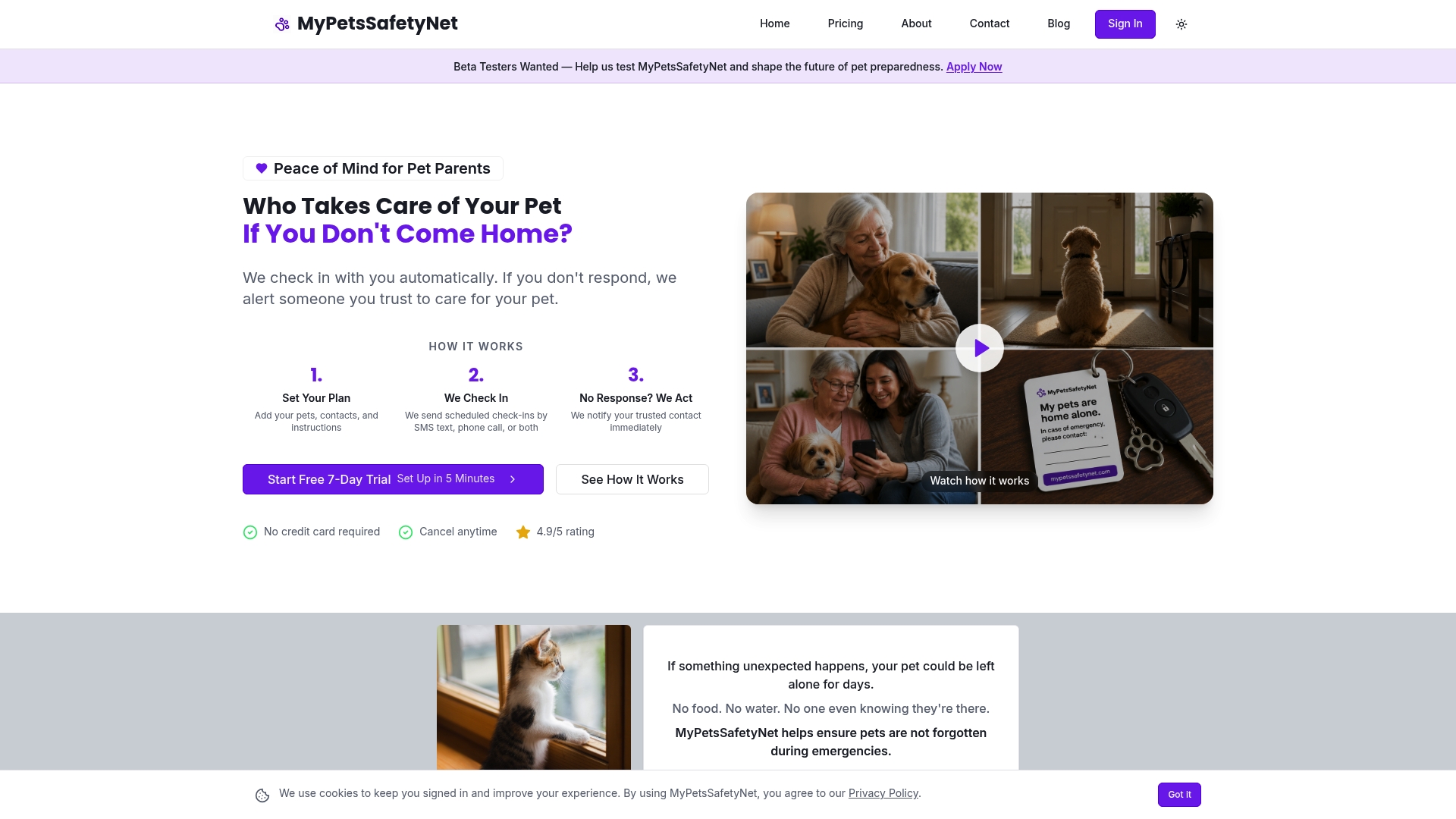
You can read about how refunds work or begin on the MyPetsSafetyNet home page. For a closer look at what your contacts receive, see how to set automatic pet care instructions without a smartphone.
FAQ
How often should I be asked to check in?
Most people start with one check-in a day, at a time they’re reliably awake. If you have a health condition or live far from anyone, a shorter countdown means a faster alert. Choose the schedule you can answer consistently, and adjust it when your routine changes.
Do I need a smartphone?
No. MyPetsSafetyNet works with any phone through SMS or calls, and can also send email. That makes it usable with a basic cell phone or a landline.
Who should I pick as an emergency contact?
Start with someone who lives close and can reach your home quickly, such as a neighbor. Best Friends advises pairing a faraway decision-maker with a local helper. MyPetsSafetyNet allows up to 3 contacts, so aim for a mix of nearby and reliable.
What should my contacts know about my pets?
They need feeding and medication details, your vet’s number, behavior notes, where supplies are kept and how to get in. The ASPCA and CDC both recommend keeping veterinary records, medication instructions and care notes together and sharing them with your circle of care.
How often should I update my plan?
Review it every three to four months, and any time a contact, medication, vet or address changes. Confirm each caregiver is still willing, and check that your pet’s microchip details are current.
Sources
- Pet Emergency and Disaster Preparedness, Best Friends Animal Society
- Making a Plan for Your Pet, ASPCA
- Build a Pet Disaster Preparedness Kit, CDC
- Planning for Your Pets, Alexandria Animals
- Emergency Pet Care Guide, VCA Hospitals
- What To Pack in Your Dog Emergency Kit, PetMD