How to Check on Your Pets Without Cameras

The most reliable way to check on your pets without cameras is to build a small safety net around you: a regular check-in, two or three named people who can reach your home, and written care instructions they already have. A camera shows you your pet. It can’t tell anyone that you are the one who needs help. If you live alone, that gap is the real worry, and it is the one we built MyPetsSafetyNet to close: you check in by text, call or email, and if you don’t respond, your emergency contacts are notified with your pets’ care details.
This guide walks through how to set that up, step by step, for people who live alone, have health concerns, or just want to know their animals won’t be left waiting.
TL;DR
- Cameras and apps watch your pet. A check-in routine watches over you, and your pets are covered because someone is alerted when you go quiet.
- Name at least two local caregivers (a primary and a backup) who agree in advance and can get into your home.
- Put feeding, medication, vet and home-access details in writing and share them with those caregivers directly.
- Choose a check-in schedule you can keep and decide what happens after a missed one.
- MyPetsSafetyNet works on any phone through SMS, calls or email, with a 7-day free trial and no credit card required.
Table of Contents
- Why “no cameras” is often the right call
- Step 1: Choose people who can actually reach your home
- Step 2: Write down what a caregiver needs to know
- Step 3: Set up a check-in that notices when you go quiet
- Step 4: Make sure caregivers can get in
- Step 5: Test it for 15 minutes
- Quick comparison: what each approach tells you
- Where MyPetsSafetyNet fits
- If you’re hospitalized
- Our perspective
- FAQ
- Sources
Why “no cameras” is often the right call
People search for ways to check on pets without cameras for many reasons. Some don’t want a lens in the living room. Some don’t have a smartphone, reliable Wi-Fi or the patience for app setup. Some simply realize that what keeps them up at night isn’t whether the dog is on the couch. It’s what happens to the dog if they collapse in the kitchen and nobody knows.
That last case is where video can’t help on its own. Footage only matters if a person is watching it at the right moment. A pet owner who lives alone usually has no one assigned to watch. What helps is a system that notices your silence and sends a person to your door.
The animal welfare groups that publish emergency planning advice say much the same thing in different words. The ASPCA’s planning guide tells owners to choose emergency caregivers ahead of time and to check back periodically that those people are still willing and able. The step-in person need not be the permanent guardian: often a neighbor or friend can check on your pets if you are hospitalized.
So the question becomes practical: who checks, how do they know, and what do they need in their hands when they arrive?

Step 1: Choose people who can actually reach your home
Start with who, not with technology.
Best Friends Animal Society recommends local emergency contacts, neighbors if possible, because they can be activated quickly for home access and pet care. If your most trusted person lives in another state, connect them with someone nearby who can pick up a key or drop off food.
The Connecticut Humane Society suggests identifying at least two trusted relatives or friends as temporary caregivers. Two matters because one person will eventually be traveling, at work or not answering the phone. Florida’s disaster guide for older adults goes further and says not to rely on just one person: aim for three or more people you can call on.
When you ask someone, be specific. Each person should know:
- What you are asking (check on you and the pets, feed and let out the dog, call your vet).
- Whether the pet stays in your home or goes to theirs.
- Their own limits: allergies, physical ability to handle a large dog, work hours, transportation.
- Whether they are the first call or the backup.
The All Seniors Foundation recommends confirming each person’s willingness, physical ability to handle the specific animal, transportation limits and allergies. It also suggests a nearby primary buddy plus a backup who can take over if roads, work, travel or phone service get in the way.
If you want to think through who does what, our guide to pet caregiver roles breaks the job into five assignments, and naming one decision maker keeps several caregivers from stepping on each other.
Step 2: Write down what a caregiver needs to know
A caregiver who walks into your home during a crisis shouldn’t have to guess. The more of this you put on paper, the less anyone has to improvise.
Pulling from the ASPCA, Connecticut Humane Society and Oklahoma State University Extension, a solid handoff sheet covers:
- Each pet’s name, species, photo and usual hiding places.
- Food type, amount and feeding schedule.
- Medications, doses and timing, plus vaccination and medical records.
- Your veterinarian’s number and an emergency hospital.
- Bonded-pet notes (two animals that must stay together).
- Habits and quirks: the cat who bolts, the dog who won’t take a pill without cheese.
- Caregiver names and phone numbers, so everyone can reach each other.
The ASPCA also recommends a wallet-carry alert card listing two emergency contacts, so that anyone who finds you knows animals are waiting at home. The Connecticut Humane Society adds that you can post “in case of emergency” notices on doors and windows stating the number and types of pets, and update them as your pets change.
Keep access details private
Spare key locations and alarm codes shouldn’t appear on anything public. The All Seniors Foundation advises giving key locations directly to the approved buddy rather than printing them on a card that someone else could read.
Supplies to keep ready
VCA Animal Hospitals’ emergency guide describes a go bag that the temporary caregiver knows how to find: two weeks of food with feeding instructions, two weeks of medications with current instructions, vet and emergency hospital numbers, and medical records in a waterproof container. Oklahoma State’s fact sheet adds a leash and muzzle, a manual can opener for canned food, and a carrier stored near the kit.
We’ve put together a one-page handoff checklist and a guide to emergency document essentials if you want a template to work from.
Step 3: Set up a check-in that notices when you go quiet
Here is the piece a camera can’t provide. A check-in is a simple, scheduled prompt: at a time you choose, you get a text, call or email, and you answer. If you don’t, a countdown starts, and if it runs out, the people you named are told.
The advantage for pet owners is that the alert doesn’t depend on you being able to act. You don’t have to press a button in an emergency. Missing a routine response is the signal.
When you choose a schedule, think about your real day:
- Pick a time you reliably have a phone nearby. Morning, after you feed the pets, works well for many people.
- Allow a sensible window. A countdown that gives you time to respond avoids needless alarms but still reaches your caregivers the same day.
- Match the method to your phone. If you don’t use a smartphone, a call or a plain text message does the job.
- Plan for planned absences. If you’re traveling or in a hospital for a procedure, change the schedule ahead of time so contacts aren’t alerted needlessly.
Decide what happens after a missed check-in
A sent message doesn’t tell you whether anyone saw it. DearFile’s contact-list guidance suggests agreeing on a rule for unanswered messages, such as trying the backup after one call and one message. Settle this with your caregivers beforehand: who goes first, how long they wait, when the backup steps in, and who confirms that someone is actually on the way.
Step 4: Make sure caregivers can get in
A plan that ends at a locked door isn’t a plan. Both the FEMA guide for older adults and the Los Angeles County Public Health pet guide say to make sure someone has a key and knows where your supplies are. The LA County guide describes a buddy system in which you exchange pet information, plans and a house key with trusted neighbors, friends or family.
It also notes that people who live alone may need extra help and should plan with others as a team. If your building has a manager, doorman or on-site staff, tell your caregivers who to contact for entry. Our guide to preparing your home for pet caregivers covers the practical details: where leashes live, how to open the gate, which room to keep the cat in.
Step 5: Test it for 15 minutes
The All Seniors Foundation recommends a short walk-through: your primary buddy locates the pet, the carrier or leash, the supplies, the handoff card and the exit route, without moving the animal. Then set an update date and repeat the test after a move, a new phone number, a changed routine or a newly adopted pet.
A check-in routine deserves the same attention. Once a season, confirm that your contacts’ numbers still work and that each person still agrees to the role. The Connecticut Humane Society makes the same point: relationships and circumstances change, so revisit the plan.
Quick comparison: what each approach tells you
| Approach | Tells you how your pet looks | Alerts someone if you can’t respond | Gives caregivers care instructions |
|---|---|---|---|
| Live video | Yes, while you’re watching | No | No |
| Neighbor with a key, no routine | Only if they happen to stop by | Only by chance | Only if you’ve given them notes |
| Scheduled check-in with named contacts and pet profiles | No | Yes | Yes |
The last row is the one built for the situation you’re worried about.
Where MyPetsSafetyNet fits
MyPetsSafetyNet is an automated wellness check-in service for pet owners. You choose a schedule, and we send you a text, phone call or email. If you don’t respond, your emergency contacts are notified along with your pets’ care details, so they can check on you and your animals. You can customize the countdown intervals, set up an escalation workflow, and generate a pet care instruction card. Each account supports up to 5 pets and 3 emergency contacts.

Because it works through SMS and calls, you don’t need a smartphone. Setup takes less than 10 minutes. The instructions go directly to the caregivers you name, not to emergency services.
The Monthly plan is $6.99 per month, and there is a 7-day free trial with no credit card required.
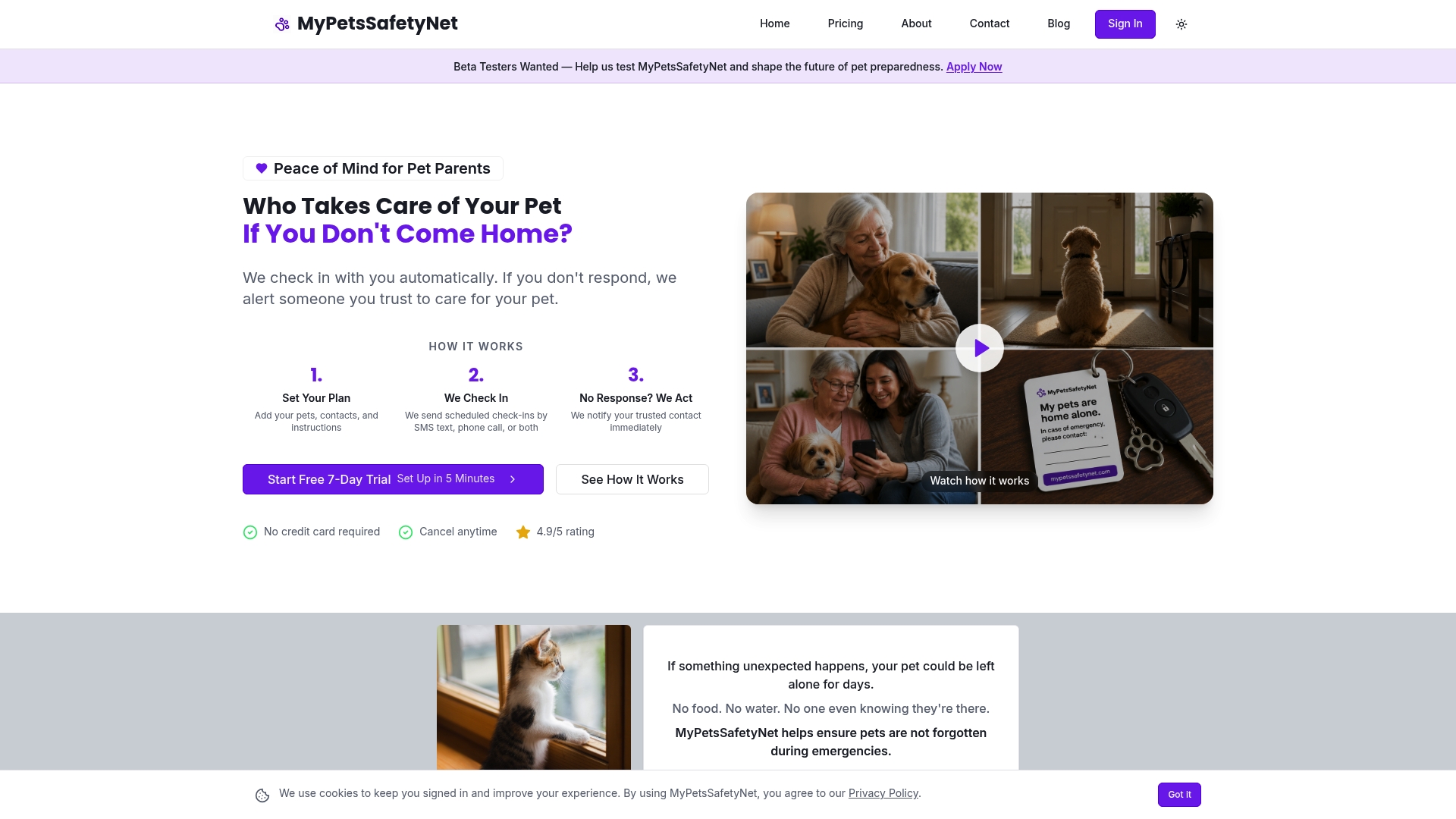
If you’re ready to set it up, start your free trial on our pricing page. If you’d like to read first, our guide to an emergency pet care plan is a good place to begin, and the multi-pet care plan helps if you share your home with more than one animal.
If you’re hospitalized
Planned stays are a different situation from sudden ones, but the same people and papers apply. Our articles on what happens to your pets if you’re hospitalized and how to prepare pets for a hospital stay walk through who to tell and what to leave behind. You’ll also find a guide to who takes care of your pets while you’re away.
Our perspective
We started MyPetsSafetyNet around one question: what happens to a pet when the person who cares for it can’t respond, and nobody knows?
Most tools for pet owners focus on the pet: where it is, what it’s doing, whether it’s safe. We focus on the person, because the pet’s safety depends on that person’s. When you check in and then don’t, a trusted human gets a message with the details they need to act.
We built it to work with any phone, with no app to learn and no special equipment, because the people who need a safety net most are often the ones with the simplest phones. Pet care is the point: our messages carry feeding, medication and vet information to the caregivers you named, not to a dispatcher who has never met your dog.
A good plan is quiet most days. You answer a message, the pets get fed, and nothing happens. We think that kind of calm is worth having.
MyPetsSafetyNet
FAQ
Can I check on my pets without a camera or smartphone?
Yes. Set up a scheduled check-in by text, call or email, name local caregivers, and give them written care instructions. MyPetsSafetyNet works on any phone, so no smartphone or app is required.
Who should be my emergency contact for pets?
Choose at least two trusted people who live close enough to reach your home, per the Connecticut Humane Society. Ask each one to agree to the role and tell you their limits. Name one as first call and one as backup.
What should I give a person who checks on my pets?
Give them a key or entry arrangement, your vet’s number, medical records, feeding and medication instructions, and a photo of each pet. Share sensitive details like key locations with them directly. A printed card or a pet care instruction card from MyPetsSafetyNet can hold the rest.
How often should I review the plan?
Review it after any change: a move, a new phone number, a new pet or a change in routine. Otherwise, check once a season that your contacts are still willing, and consider repeating a short walk-through with your primary caregiver.
How many pets and contacts can I add to MyPetsSafetyNet?
One account supports up to 5 pets and 3 emergency contacts. You can customize countdown intervals and escalation, and the Monthly plan costs $6.99 per month.
Sources
- Making a Plan for Your Pet, ASPCA
- Pet Emergency and Disaster Preparedness, Best Friends Animal Society
- Preparing for the Unexpected, Connecticut Humane Society
- Pet Emergency Preparedness, Oklahoma State University Extension
- Emergency pet care guide, VCA Animal Hospitals
- Pet Care Backup Plan for Older Adults, All Seniors Foundation
- 2023 Disaster Resource Guide for Older Adults, Florida
- Disaster Preparedness Guide for Older Adults, FEMA Ready.gov
- Emergency Preparedness & Pets, LA County Public Health
- Family Emergency Contact List Template, DearFile