Check-Ins Without a Smartphone: Protect You and Your Pets

You don’t need a smartphone to have a dependable safety check-in. A no-smartphone check-in works over an ordinary phone call, a text message, or email: at a time you choose, you reply, and if you don’t, the people you named are told to check on you and your pets. If you live alone, that reply is what keeps your animals from waiting by themselves for days. Our service, MyPetsSafetyNet, is built this way: it works with any phone through SMS or calls, and it sends your emergency contacts your pets’ care details if you don’t respond.
This guide explains how a no-smartphone check-in works, how to set one up, what should happen when you miss one, and what your caregivers need to know so your pets are looked after.
TL;DR
- A no-smartphone check-in asks you to respond by call, text, or email on a schedule. If you don’t, your contacts are notified.
- People who live alone are less likely to have an emergency kit or to have talked through an evacuation plan, so a simple, automatic routine matters.
- A missed check-in is a signal to follow a plan you agreed on in advance, not proof of an emergency.
- Your contacts need three things: your pets’ care instructions, a way into your home, and clear permission to act.
- MyPetsSafetyNet takes less than 10 minutes to set up, and the 7-day free trial needs no credit card.
Table of Contents
- What a no-smartphone check-in actually is
- Why check-ins matter more when you live alone
- How a check-in routine works, step by step
- What should happen when you miss a check-in
- Making sure your contacts can get in and help
- What your pets’ caregiver needs to know
- Staying informed without a smartphone
- Who this kind of check-in suits best
- Start your check-ins with MyPetsSafetyNet
- Our perspective
- FAQ
- Sources
What a no-smartphone check-in actually is
A check-in is a scheduled question: “Are you okay?” You answer it, and that answer tells the system, and the people who care about you, that all is well. When you don’t answer within the time you set, the next step happens.
The idea is not new. Federal emergency guidance for older adults tells people to arrange for a family member, caregiver, or neighbor to check on them by phone or in person during a disaster, and to post emergency contact numbers near home phones. Estate-planning attorneys describe the same thing as a ‘Check-in Buddy’: a trusted person you contact every day, such as with a text each morning, who knows your plan for your pets.
What changes with an automated service is that the reminder and the alert no longer depend on a person remembering. You don’t have to text a friend every morning, and your friend doesn’t have to wonder whether silence means something. The system asks, waits, and escalates.
The “no smartphone” part matters for a lot of people. You may have a basic cell phone, a landline, or a smartphone you’d rather not depend on. With MyPetsSafetyNet, the check-in message arrives by SMS, phone call, or email, so any phone you already use will do.

Why check-ins matter more when you live alone
When you share a home, someone usually notices if you’ve fallen, become ill, or not come home. When you live alone, no one does unless you’ve set that up. Your pets are the ones who pay for the gap: they can’t call anyone, and they can’t feed themselves.
A peer-reviewed 2020 University of Michigan study of 2,256 adults aged 50 to 80 found that people who live alone had lower odds of having a stocked emergency kit and of having discussed evacuation plans with family or friends. The researchers concluded that people living alone need tailored preparedness support. The same research found that people who rely on electricity-powered equipment or mobility aids were less confident about handling a power outage lasting more than 24 hours.
None of this is a reason for alarm. It is a reason to make the plan once, write it down, and let a system do the daily remembering. If you’d like a fuller look at the planning side, our guide to the emergency pet care plan every owner needs walks through it.
How a check-in routine works, step by step
Here is the routine from start to finish, and where it usually goes wrong.
1. Choose how you want to be reached
Pick the method you will actually answer: a text, a phone call, or an email. Choose the one you’d notice even on a bad day. If your phone is a flip phone or a landline, a call or text is the natural pick. In MyPetsSafetyNet you can use SMS, phone, or email, so nothing here requires an app or a smartphone.
2. Set a schedule you can keep
Most plans fail because the schedule is too demanding or too loose. A check-in at a time you’re reliably awake, such as after breakfast, is easier to keep than one at a random hour. We let you customize the schedule and the countdown intervals, which is the time between the check-in message and the next escalation step. A longer countdown gives you room if you’re in the shower or at an appointment. A shorter one gets help moving sooner.
3. Name your emergency contacts
The people you choose decide whether the system works. The ACTEC attorneys advise picking someone available most days, trusted with a key, and ideally local, and if your main person lives out of town, that person should have the name of a local helper who can come to your home before anyone calls emergency services. A Los Angeles seniors’ guide suggests two nearby contacts plus one out-of-area backup.
MyPetsSafetyNet supports up to 3 emergency contacts, so you can build exactly that mix. Our post on how many emergency contacts a solo pet owner needs explains how to divide the roles.
4. Add your pets and their care instructions
You can add up to 5 pets, each with a profile and care instructions. This is the step a general safety service leaves out. Your contacts will need to know what to feed, when, which medications, which vet, and who the pet is afraid of. We cover this in detail below.
5. Decide what happens when you don’t answer
This is the escalation workflow: the order in which messages are sent and who is told. You decide it ahead of time, while you’re calm, so nobody has to improvise later.
6. Run one test
The Los Angeles guide recommends writing the plan down, giving people only the tasks they’ve accepted, and practicing one calm check. Do this with your contacts in the first week, so they recognize the message when it comes.
What should happen when you miss a check-in
A missed check-in doesn’t mean something terrible has happened. You may have left your phone in another room. That’s why a good plan is a ladder, not a single alarm.
The trusted-neighbor guide describes the ladder this way: if there’s no reply within the agreed time, try a second method or contact the nearby backup without flooding the phone. A physical check, such as knocking or looking from an approved area, happens only if conditions are safe and the plan allows it. For immediate danger, fire, a crime in progress, or a life-threatening medical emergency, call 911. The same guide notes that a missed response is a prompt to run the sequence you agreed on, including who cares for the animal and who contacts the vet.
In practice, that looks like this:
- The check-in message goes out at your scheduled time.
- If you don’t respond, you’re reminded again within the countdown you set.
- If there’s still no response, your emergency contacts are notified and receive your pets’ care details.
- They check on you, and on your pets, and call 911 if they find a medical emergency.
Note the last step. Our service notifies the people you named, not emergency services. That is deliberate: your contacts know you, know your home, and can tell the difference between a dead phone battery and a real emergency. If they find one, calling 911 is their move.
Making sure your contacts can get in and help
A notification does nothing if your contact is standing outside a locked door. This is the most common gap in solo owners’ plans, and it’s easy to close.
The California Department of Aging’s caregiver planning page advises a backup plan that identifies who has house keys or entry codes and which nearby friends or neighbors can check in. It also suggests a communication plan covering how you’ll reach each other if phone service is limited.
One detail people miss: the Los Angeles guide points out that agreeing to check on you does not automatically authorize entering your home, using a spare key, or handling your pets. Ask each contact directly and agree on it in advance. Then tell your building manager if you rent. For apartment-specific tips, see our apartment emergency plan for pets and our guide to preparing your home for pet caregivers.
A practical checklist for each contact:
- Do they have a key or code, and do they have permission to use it?
- Do they know which door, which room, and where the pet supplies are?
- Do they know your pet’s behavior with strangers?
- Do they have your vet’s number and your written instructions?
- Do they know who the backup is if they can’t come?
Our post on five caregiver roles for your emergency packet helps you assign these without overloading one person.
What your pets’ caregiver needs to know
The person who arrives in a crisis is often stressed and unfamiliar with your routine. A clear, short set of instructions is the kindest thing you can leave them. Pet care guidance is consistent on what belongs there.
The University of Pittsburgh’s resource guide on aging in place with pets reports that the ASPCA suggests a letter of instruction. It isn’t legally binding, but it’s critical: it names who will care for the animals and includes vaccination records, names, ages, breeds, photos, and each pet’s routine and dietary preferences.
A VCA Hospitals guide adds that a go bag should hold two weeks of food with feeding instructions, two weeks of medications, and phone numbers for the vet, the nearest animal emergency hospital, the Pet Poison Helpline, and local animal control. It also lists copies of medical records in a waterproof container, a carrier, leashes, and a first-aid kit.

Keep the ASPCA’s animal poison control hotline, (888) 426-4435, and the address of your local 24-hour emergency vet where your caregivers can find them.
Here’s a short checklist for each pet profile:
- Name, age, breed, weight, and a recent photo
- Feeding amounts and times
- Medications, doses, and how your pet takes them
- Vet name and phone number, plus the 24-hour emergency clinic
- Behavior notes: fears, triggers, escape habits, other animals in the home
- Where the carrier, leash, and supplies are kept
MyPetsSafetyNet stores this in your pet profiles and sends it to your contacts with the alert, and the care instruction card generator turns it into a card you can keep in your go bag. If you’re hospitalized, our guide on what happens to your pets if you’re hospitalized and the hospital go bag list can help you prepare.
Staying informed without a smartphone
Check-ins cover you when something happens to you. Disasters are a separate question: how do you hear a warning? FEMA’s older-adult guide notes you can stay informed without a smartphone through the Emergency Alert System on radio and TV, through National Weather Service warnings using a special receiver you can purchase, and through local groups such as Community Emergency Response Teams and neighborhood watches.
The same guide reminds you that not every shelter accepts pets, so ask friends or relatives outside your area ahead of time whether they can take your animals. The UF Health disaster guide for older adults gives the same advice: never leave pets behind when evacuating, check which shelters take pets, and keep a list of boarding facilities and vets with 24-hour numbers. Our 15-minute pet disaster plan turns this into a quick checklist, and the guide on pet care if you can’t get home covers the case where you’re away from home when something happens.
Who this kind of check-in suits best
A no-smartphone check-in is a good fit if any of these sound like you:
- You live alone with a dog, cat, or other pets and no one would notice if you didn’t show up.
- You’re older, or you live with a disability or health condition, and you’d rather not rely on a smartphone.
- You have family far away and need a neighbor or friend to be the first on the scene.
- You want your pets’ care instructions to reach the right person without a scramble.
If you want one reason to start now, it’s this: the plan only helps if it exists before the emergency. Setup takes less than 10 minutes.
Start your check-ins with MyPetsSafetyNet
MyPetsSafetyNet is an automated wellness check-in service for pet owners. You choose SMS, phone, or email check-ins, set your schedule and countdown intervals, add up to 5 pets and up to 3 emergency contacts, and we notify those contacts with your full pet care details if you don’t respond. No smartphone is required, and setup takes less than 10 minutes.
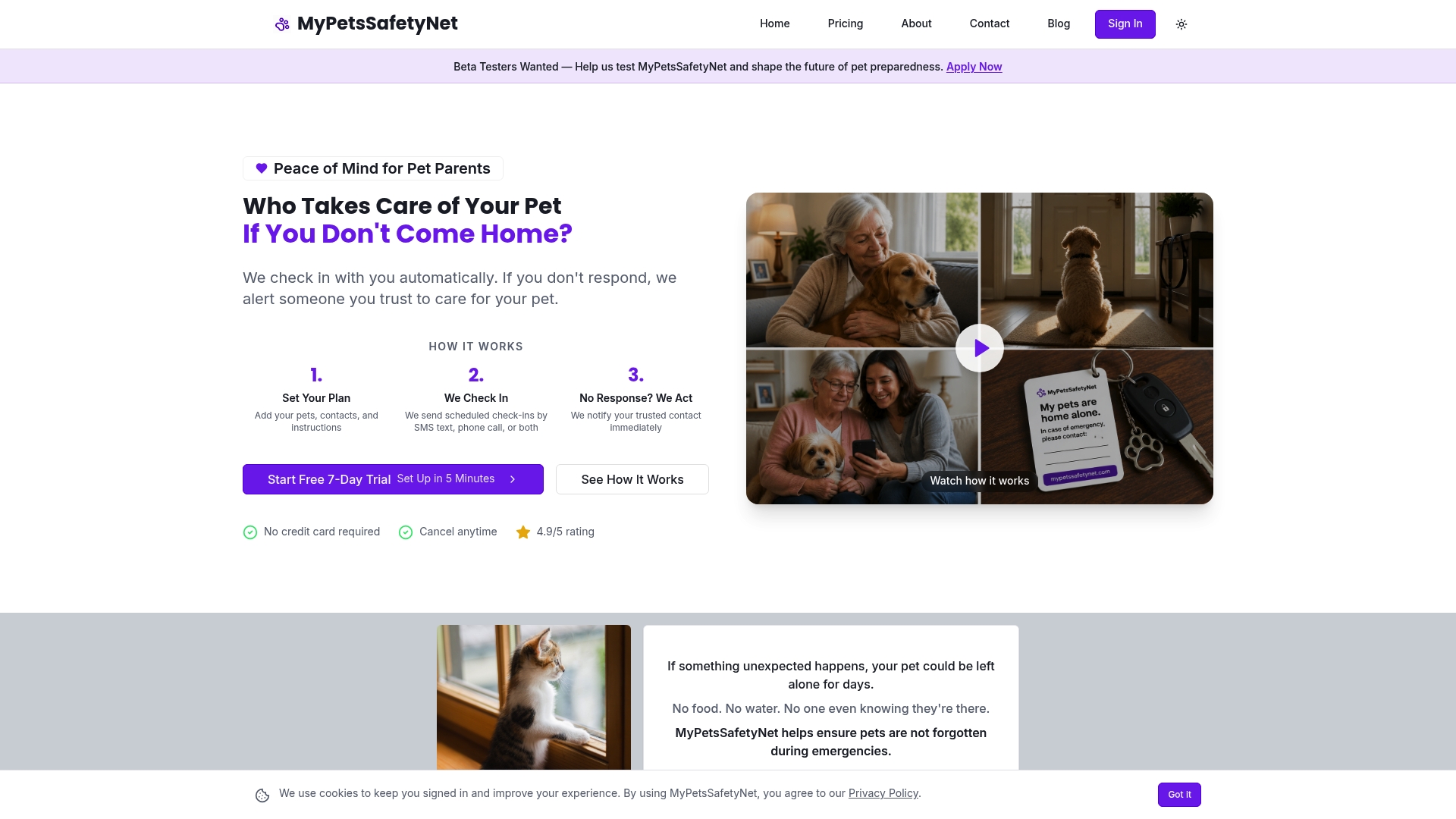
The Monthly plan is $6.99 per month, and you can start with a 7-day free trial with no credit card required. See the plan and start your free trial, or learn more on the MyPetsSafetyNet home page.
Our perspective
We built MyPetsSafetyNet around one worry: what happens to a pet if its owner has an emergency and lives alone? General personal-safety services are designed to protect the person. We focus on the pet too.
That’s why the alert doesn’t go to a dispatcher. It goes to the caregivers you named, with the care details they need: what your pet eats, what medication it takes, and who your vet is. Your pet’s care starts when your contact arrives, not after a phone tree.
We also believe a safety net shouldn’t depend on the newest device. Check-ins by SMS, phone call, or email mean the plan works with whatever phone you already own, and you can set it up in under 10 minutes. Simple monthly pricing and a free trial let you see how it fits your routine.
The best plan is the one that is in place before you need it. A few minutes now means your pets are never left waiting alone.
MyPetsSafetyNet
FAQ
Do I need a smartphone to use a wellness check-in for my pets?
No. MyPetsSafetyNet works with any phone through SMS or phone calls, and email is also available. You answer the check-in the way you’d answer any text or call. Setup takes less than 10 minutes.
What happens if I miss a check-in by accident?
You set the countdown intervals, so there is time between the first message and the point when your contacts are notified. A missed check-in is a prompt to start the sequence you agreed on, not proof of an emergency. Your contacts can then check on you and your pets.
Does the service call 911?
No. We notify the emergency contacts you named and give them your pets’ care details. They know you and your home, and if they find a medical emergency, they should call 911.
How many pets and contacts can I add?
You can add up to 5 pets and up to 3 emergency contacts. Many solo owners choose two nearby people and one backup who lives farther away, following the pattern in this Los Angeles trusted-neighbor guide.
How much does it cost to try?
The Monthly plan is $6.99 per month, and the 7-day free trial requires no credit card. You can review the details on the pricing page.
Sources
- FEMA Disaster Preparedness Guide for Older Adults (Ready.gov)
- Tips for Individuals Living Alone, ACTEC
- Trusted Neighbor Emergency Plan for Older Adults, Los Angeles
- Emergency Planning for Caregivers, California Department of Aging
- Predictors of Emergency Preparedness among Older Adults, University of Michigan study (PMC)
- Resource guide for aging in place with pets, University of Pittsburgh
- Emergency pet care guide, VCA Hospitals
- Emergency Care for Your Pet, ASPCA
- 2022 Disaster Resource Guide for Older Adults, UF Health