Your Alert Phone Is What Keeps a Bad Day From Becoming a Tragedy
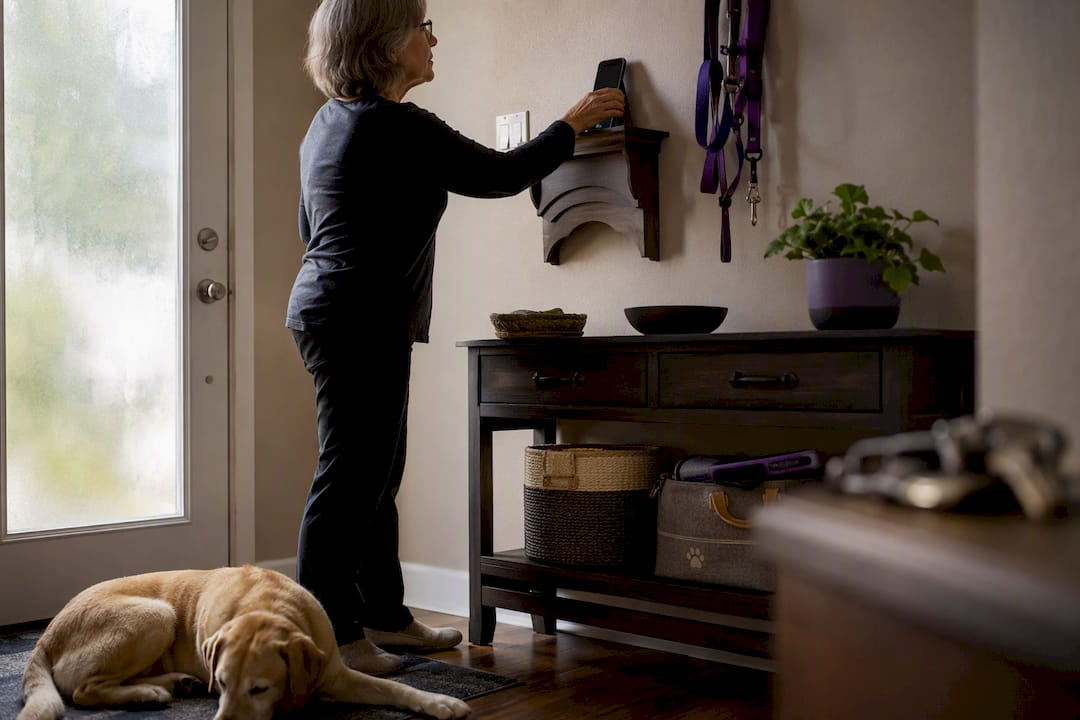
An alert phone is the designated number or device that receives automated wellness check-ins for your pets and, if you don’t respond, triggers your emergency contacts to step in and provide care. Setting one up takes less than 15 minutes.
Your next step is simple:
- Choose the device or number that will receive your daily check-in.
- Enroll in an automated check-in service configured for pet emergencies.
- Add 2 to 3 prepared emergency contacts who know your pets and can access your home.
MyPetsSafetyNet is built specifically for this. It’s ready when you are.
Key Takeaways
An alert phone works because it converts a passive emergency plan into an active trigger that notifies prepared contacts within hours instead of days.
| Point | Details |
|---|---|
| Pick a reliable device | Choose a phone you’ll actually answer, whether it’s your primary mobile or a dedicated number. |
| Configure escalation timing | Set retry windows and contact order so alerts reach people within hours, not days. |
| Build a complete pet profile | Include meds, feeding schedule, vet contact, and behavior notes on a shareable card. |
| Brief contacts before an emergency | Walk through key access and care routines so contacts act quickly and confidently. |
| Automate it with MyPetsSafetyNet | Use MyPetsSafetyNet’s check-in and escalation workflow to connect your alert phone to a ready pet-care profile. |
Table of Contents
- How Does an Alert Phone Work for Pet Check-Ins?
- How Do You Set Up an Alert Phone Step by Step?
- What Belongs in Your Pet-Care Profile and Emergency Card?
- How Long Until Contacts Get Notified?
- Who Should You Choose as an Emergency Contact?
- Why Automated Check-Ins Close the Early-Warning Gap
- What Solo Pet Owners Get Wrong About Emergency Planning
- How MyPetsSafetyNet Sets Up Your Alert Phone
- Trusted Resources for Pet Emergency Planning
- Sources
How Does an Alert Phone Work for Pet Check-Ins?
Your alert phone receives a scheduled message, a phone call, or an SMS asking you to confirm you’re okay. You tap a link, reply with a word, or answer the call. Miss it, and the system doesn’t just shrug. It starts working through a chain designed to get help to your pets fast.
Here’s the typical sequence:
- First check-in attempt goes out at your chosen time, by call, text, or email.
- A retry window follows, usually 30 minutes to a few hours, in case you were in the shower or your phone died.
- Escalation to emergency contacts kicks in once the window closes, alerting the people you’ve designated in order.
- Live-call fallback or wellness check happens if contacts also can’t reach you, sometimes involving a neighbor or local authorities.
A daily check-in narrows the gap between “something went wrong” and “someone found out” from days down to hours. Your alert phone can be your primary mobile, a secondary phone kept charged and reachable, or a landline. What matters is that it’s a number you’ll actually answer, not one buried in a drawer.
How Do You Set Up an Alert Phone Step by Step?
Setting this up isn’t complicated, but skipping a step is exactly how gaps form. Work through these in order.
- Pick your device or number. Your primary mobile is the easiest choice since you already carry it, but a secondary phone works if you want to separate personal texts from safety check-ins. A dedicated number through your check-in service adds a layer of clarity, since you’ll never confuse it with spam.
- Enroll in an automated check-in service. Configure your contact list, choose your notification channel (call, SMS, or email), set your timeout window, and put your emergency contacts in the order you want them alerted.
- Assign roles and access. Decide who holds a spare key, who’s authorized to enter your home, and who knows your pet’s feeding schedule and medication routine. Write this down. Don’t rely on memory during a stressful moment.
- Run a supervised test. Do a practice check-in with a contact standing by so everyone sees what an alert actually looks like. Repeat this test every few months. Systems and phone numbers change; your plan should keep up.
Pro Tip: Schedule your test on a day you’d remember anyway, like the first of the month or your pet’s birthday. Recurring reminders get skipped; anchored ones don’t.
A solo pet owner safety plan built this way turns a good intention into a working system, not just a note on your fridge.
What Belongs in Your Pet-Care Profile and Emergency Card?
When a contact gets that alert, they need answers immediately, not a scavenger hunt through your kitchen drawers. Your pet-care profile should cover:
- Pet name, species, breed, and age
- Medication names, dosages, and schedule
- Feeding instructions, including portion size and timing
- Vet name, clinic address, and phone number
- Allergies or medical conditions
- Behavior notes (“hides under the bed,” “needs a leash before the door opens”)
The CDC’s emergency pet guidance recommends exactly this kind of card, listing vet details and a clear caregiving plan, as a baseline for any pet emergency preparation.
Beyond the paperwork, add physical prompts around your home: a window or door sticker noting how many pets live inside, a wallet card listing your emergency contact, and a labeled spot for keys and pet supplies. A printed pet-care packet sitting by the door means a contact doesn’t need to guess.

For sharing documents, keep a PDF in a shared cloud folder your contacts can access, and hand a printed copy to at least one person directly. A signed letter authorizing care removes any hesitation a neighbor or friend might feel about walking into your home uninvited.
How Long Until Contacts Get Notified?
Timing is where most people either build too tight a system (constant false alarms) or too loose one (dangerous delays). Getting this balance right protects both your pets and your relationships with the people you’re counting on.
- Retry cadence: most services attempt a check-in, wait, then retry once or twice before escalating.
- Contact notification: typically triggers within a few hours of a missed check-in, not days.
- Live-call or emergency services: reserved for when contacts also can’t reach you after their own attempts.
To cut down on false alarms, look for services offering a grace period, an adjustable missed check-in window, and schedule filters so a planned trip doesn’t trigger a false escalation. Devices with connectivity issues can also cause unnecessary alerts. A medical device alert guide can help you troubleshoot before it becomes a pattern.
Pro Tip: Tell your contacts up front that false alarms will happen occasionally. A contact who expects the occasional false alert stays responsive; one who’s caught off guard starts screening your calls.
Who Should You Choose as an Emergency Contact?
Not everyone who loves your pets is equipped to help in an emergency. Pick contacts based on:
- Proximity. Someone 5 minutes away beats someone reliable but an hour out.
- Key access. At least one contact should already have a key or a clear way to get one.
- Reliability. Choose people who actually answer their phones, not just people you’d like to help.
Before you add someone, brief them: walk through your pet’s routine, show them where supplies live, and rehearse the process once together. A backup caregiver plan works far better when it’s been practiced, not just described.
Three templates to get you started:
- Invitation: “Hi [name], I’m setting up an automated safety check-in for my pets and myself. Could I add you as a backup contact? It just means you’d get a text if I miss a daily check-in.”
- Missed check-in alert: “[Your name] missed their scheduled check-in. Please try calling them. If you can’t reach them within 30 minutes, please check on [pet name] using the attached care card.”
- Escalation instruction: “Entry: spare key is under [location]. [Pet name] eats at [time] and takes [medication] at [time]. Vet: [name/number].”
Why Automated Check-Ins Close the Early-Warning Gap
Most pet emergency plans fail at the same point: nobody finds out something’s wrong until it’s too late. A written plan sitting in a drawer doesn’t help a dog that hasn’t eaten in three days. The failure isn’t the plan itself; it’s the absence of a trigger to activate it.
Daily automated check-in services notify a care circle immediately when someone misses a check-in, and when that circle already knows the pet’s care needs, they can act the same morning instead of days later.
This is exactly what services like Iamfine’s daily check-in model and layered technology solutions like charged phones and monitoring cameras are designed to solve. MyPetsSafetyNet builds this early-warning function directly into a service that also stores your pet’s care profile, so the automated check-in and the instructions your contact needs arrive together, not separately.
What Solo Pet Owners Get Wrong About Emergency Planning
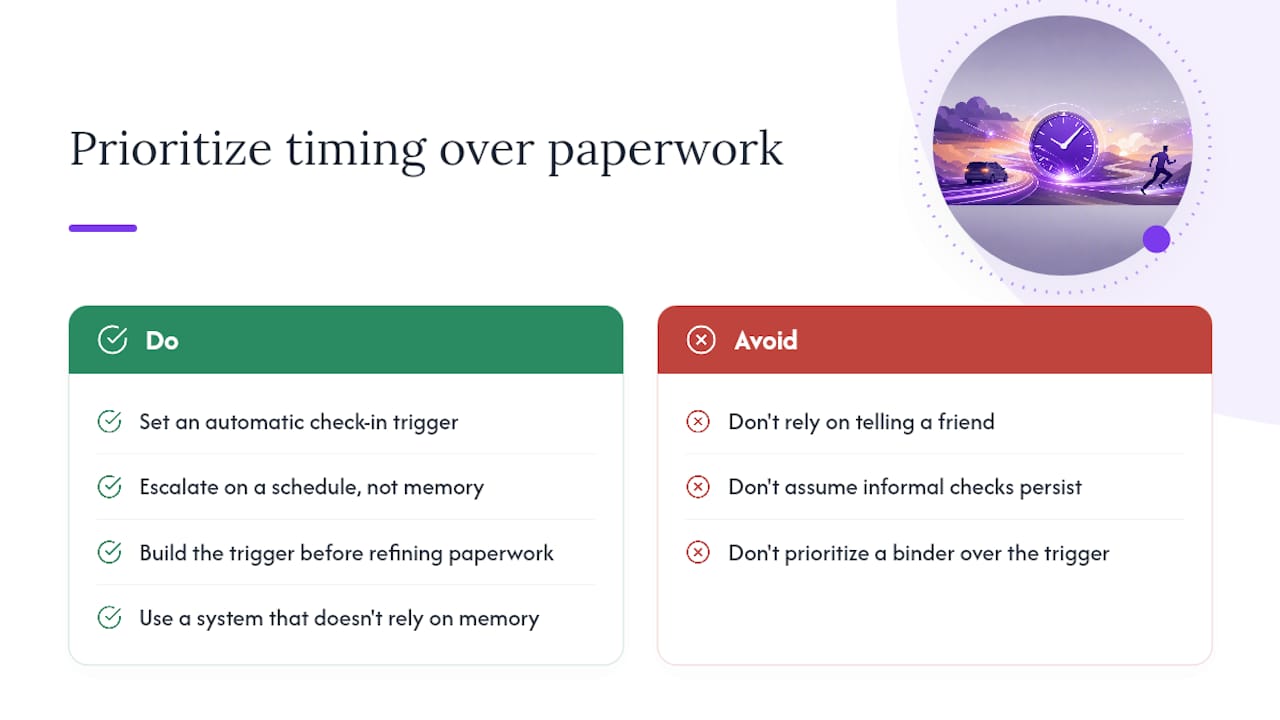
Most advice on pet emergency planning stops at “write it down.” That’s necessary, but it’s not sufficient. A pet-care binder in a filing cabinet does nothing if nobody knows to open it. The real gap isn’t information, it’s timing, and that’s the part conventional advice consistently underplays.
We’d argue the single most overrated piece of advice is “just tell a friend you’ll check in.” Informal arrangements fade. People forget, get busy, or assume someone else is handling it. What actually works is a system that doesn’t rely on anyone’s memory, including yours, and that escalates on a schedule instead of a good intention.
If you take one thing from this guide, prioritize the check-in mechanism before you perfect the paperwork. A flawless pet-care card that never gets read is worthless. A basic card triggered within hours by a missed check-in is what actually gets your pets fed. Build the trigger first, then refine the details around it.
How MyPetsSafetyNet Sets Up Your Alert Phone
MyPetsSafetyNet automates the whole workflow: scheduled check-ins by SMS, call, or email, a customizable countdown before escalation, and a pet profile generator that turns your care instructions into a ready-to-share card. You can manage up to 5 pets and 3 emergency contacts from one account.

Getting started takes three steps. Start a free trial and connect your alert phone through the SMS consent page, configure your check-in interval and contact order, then generate your free printable pet care card to keep in your wallet or post by your door.
During your trial, expect a short test check-in, a chance to confirm your contacts actually receive alerts, and full control to adjust timing before you rely on it day to day. If you’re unsure how to structure your care instructions, the pet care plan for living alone walks through exactly what to include.
Trusted Resources for Pet Emergency Planning
- CDC emergency preparedness for pets: baseline checklist for pet emergency cards and sheltering guidance.
- Automated pet safety check-ins for disabled owners: accessibility considerations for check-in systems.
- What to do if you can’t take care of your pet: interim care steps when plans need to activate quickly.
- Dog behavior guidance when left alone: practical tips for contacts caring for an anxious pet.
Sources
- Emergency preparedness for pets (CDC)
- Pet Care Plan for Emergencies: A Solo Pet Owner’s Guide
- Are you prepared for the unthinkable? Emergency plan for pet owners living alone — Karen Shanley