Pet Information Card: Ready-to-Use Options for Solo Owners
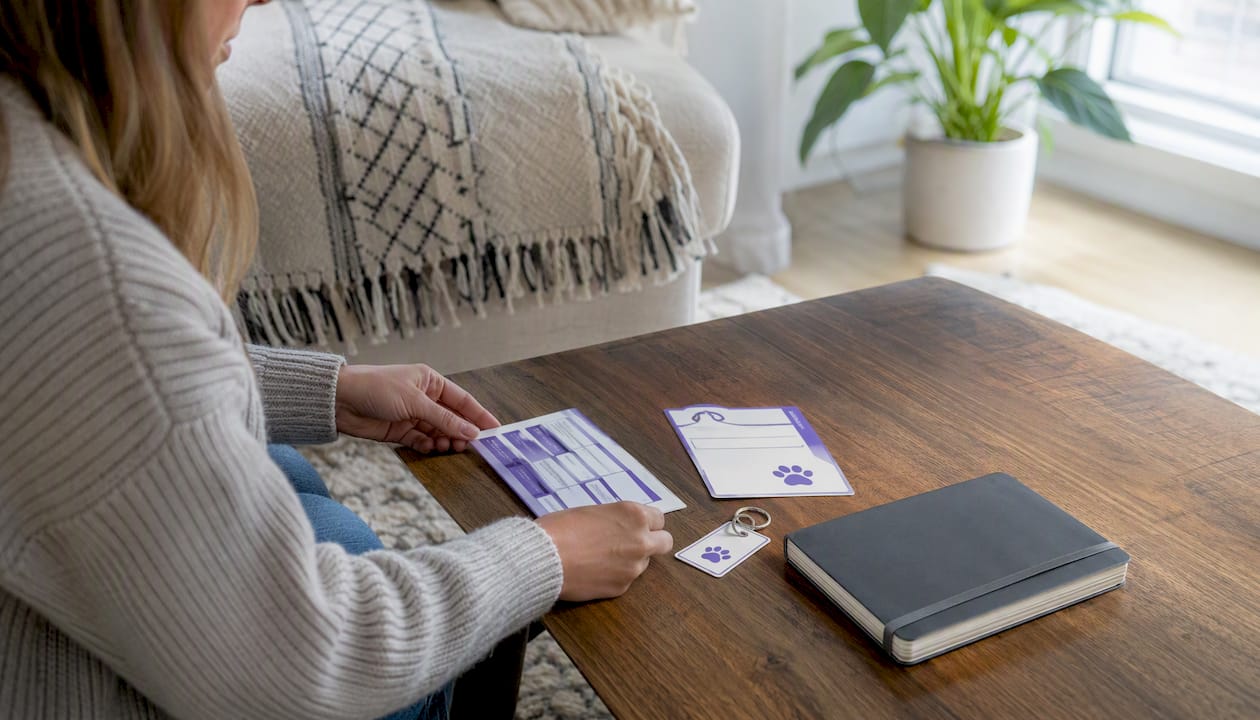
Carry a wallet-sized pet information card today and store a full Pet Planning Packet somewhere visible at home, like the fridge or a go-bag. Those two steps together give first responders and caregivers everything they need to act quickly if something happens to you.
Your fastest options right now:
- Instant card generator + automated alerts: Mypetssafetynet generates a pet care instruction card, manages your emergency contacts, and sends automated wellness checks so your contacts are notified if you don’t respond. Setup takes 5–15 minutes.
- Free printable card: The ASPCA’s Pet Planning Packet includes a Pet Alert Card and Emergency Info Sheet you can download, fill in, and print at no cost.
A card alone tells a responder your pet exists. A card paired with a full Pet Planning Packet tells them exactly how to care for your pet until you’re back.
Key Takeaways
A pet information card is most effective when paired with a full Pet Planning Packet and at least one automated escalation method so your pets are never left waiting for someone to find a card.
| Point | Details |
|---|---|
| Carry a wallet card always | Keep one on your person and a second copy on the fridge so both responders and caregivers can find it. |
| Include six core fields | Owner phone, two emergency contacts, vet number, microchip number, and pet medications are the non-negotiable fields. |
| Match format to urgency | Free printables are ready in minutes; plastic cards ship in 2–7 days; a generator like Mypetssafetynet exports instantly and adds automated alerts. |
| Pair the card with a full packet | The ASPCA’s Pet Planning Packet adds an Emergency Info Sheet and Pet Portfolio that a wallet card alone can’t carry. |
| Add automated escalation | A passive card only helps after it’s found; automated wellness checks notify contacts before anyone has to search. |
Table of Contents
- What are the best pet information card options right now?
- What should you put on a pet information card?
- Which card format fits your situation?
- How do you make or customize a pet information card?
- Where can you find trusted sources for pet emergency cards?
- Why pairing a card with a Pet Planning Packet reduces risk for your pet
- How to use a pet information card during an emergency
- Mypetssafetynet’s perspective on what actually protects your pet
- Sources
What are the best pet information card options right now?
Choosing the right format comes down to three things: how fast you need it, how much detail you want to carry, and whether you want ongoing protection or a one-time printout.
| Format | Best for | Price range | Customization | Durability | Speed to receive | Extras |
|---|---|---|---|---|---|---|
| Mypetssafetynet card generator | Solo owners, seniors, multi-pet households | Free trial; paid subscription | Fully editable, up to 5 pets | PDF export; print or laminate | Instant | Automated wellness checks, escalation alerts, 3 emergency contacts |
| ASPCA / AVMA printable PDF | Low-budget, immediate need | Free | Editable before printing | Paper (laminate yourself) | Instant download | Pet Planning Packet, Emergency Info Sheet |
| Municipal PDF (DVGRR, Joint Animal Services) | Simple one-page card | Free | Fill-in fields | Paper (laminate yourself) | Instant download | Basic template with standard fields |
| Etsy editable templates | Owners who want a polished design | $1–$10 | Editable in Canva or Adobe | Paper or card stock | Instant download | Varies by seller |
| Amazon / physical wallet cards | Travel, durability, key-ring use | $5–$30 | Limited (pre-printed or write-in) | Plastic, laminated | 2–7 days shipping | Key tags, window stickers sometimes bundled |
| Window sticker (ASPCA Pet Safety Pack) | On-site rescue notification | Free (with pack) | Name/number fields only | Adhesive vinyl | Instant or shipped | Alerts rescuers pets are inside |
Decision checklist:
- Solo owner or live alone with health concerns: Use Mypetssafetynet for the card generator plus automated alerts. A printable alone won’t notify anyone.
- Urgent need, zero budget: Download the ASPCA Pet Planning Packet or a DVGRR emergency card template right now.
- Travel: A laminated plastic wallet card or key tag from a marketplace seller holds up better than paper.
- Multi-pet household: Mypetssafetynet supports up to 5 pets in one profile, which saves you from managing five separate cards.
- Want a polished design: Etsy Canva templates let you customize colors, fonts, and layout before printing.
What should you put on a pet information card?
The AVMA describes emergency contact cards as documents that should list owner and emergency contacts, veterinarian information, and key pet details to aid responders. That’s the baseline. Here’s how to build on it.
Core fields (never skip these)
- Owner name and primary phone number
- Two emergency contacts with their relationship to you and a direct phone number
- Veterinarian name, clinic name, and phone number
- Microchip number (if your pet is chipped)
Pet details
- Name, species, breed, and color or identifying marks
- Age and approximate weight
- Current medications with dosing schedule (e.g., “Apoquel 16mg, once daily with food”)
- Known allergies or medical conditions
- Handling cautions (e.g., “nervous around strangers, approach slowly”)
Access and care instructions
- Where house keys are located
- Alarm code or disarm instructions (keep this off a public-facing sticker; put it behind a QR link or in the full packet)
- Feeding schedule and food location
- Comfort items (favorite toy, crate location)
Optional but useful
- Pet insurance provider and policy number
- A QR code linking to your full pet care emergency document
- A small photo of your pet for identification
Pro Tip: On a wallet card, space is tight. Lead with the two most critical pieces of information: your emergency contact’s phone number and your vet’s number. Use short labels (“EC1:”, “VET:”) and bold the phone numbers so a responder can scan the card in seconds.
Which card format fits your situation?
Every format has a specific job. Knowing which one does what helps you decide whether to carry one or combine two.
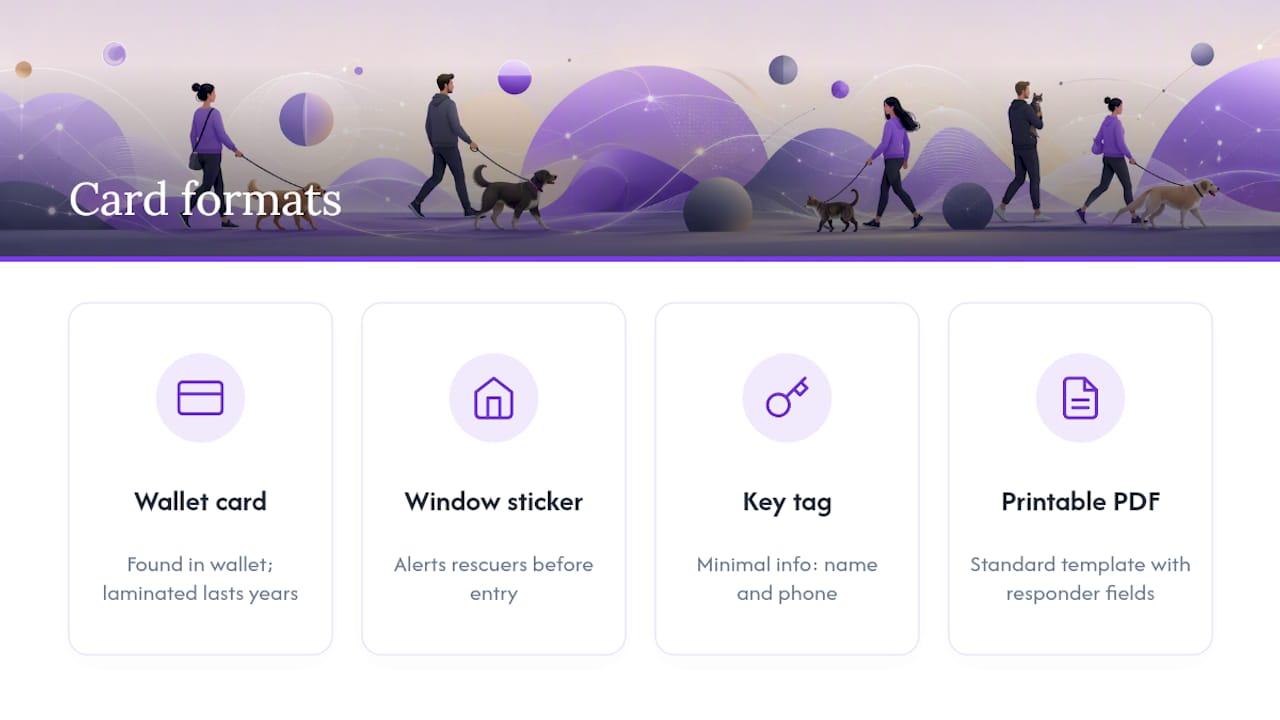
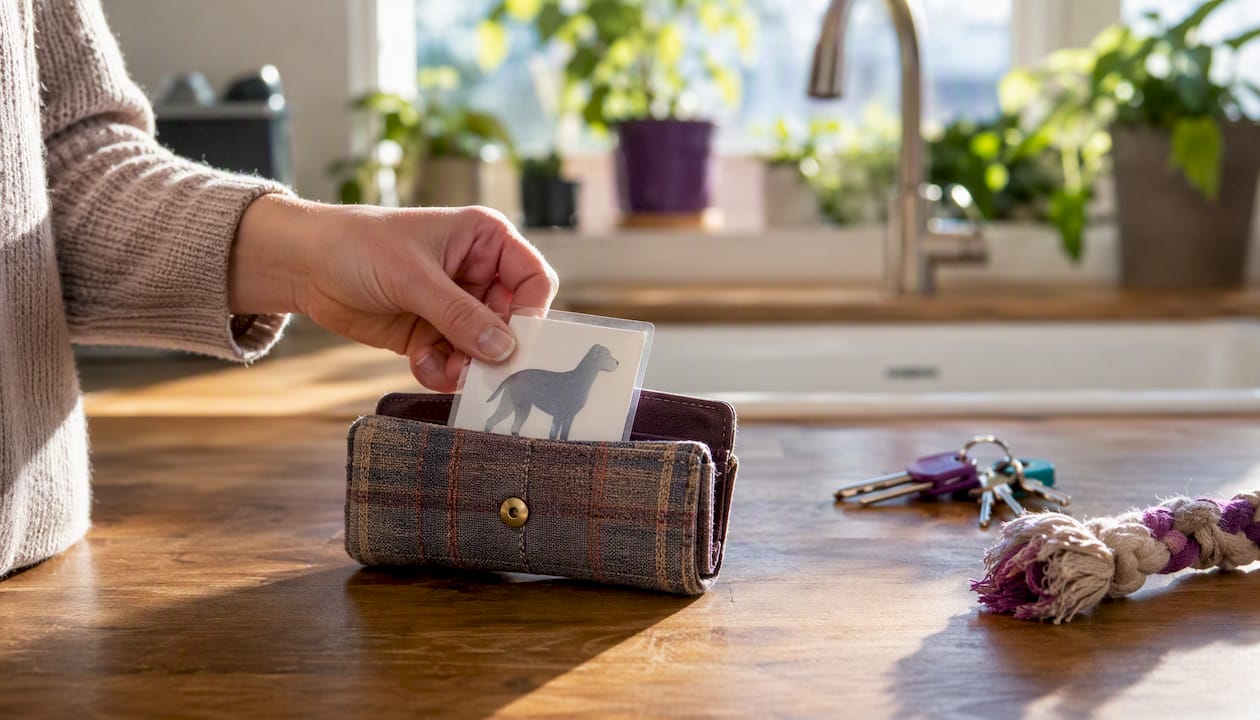
Wallet card is what a first responder finds when they check your wallet or purse. It’s the most personal and direct format, small enough to carry everywhere. Plastic laminated cards hold up through years of daily use; paper cards printed at home are fine short-term but should be re-laminated or replaced every year or so.
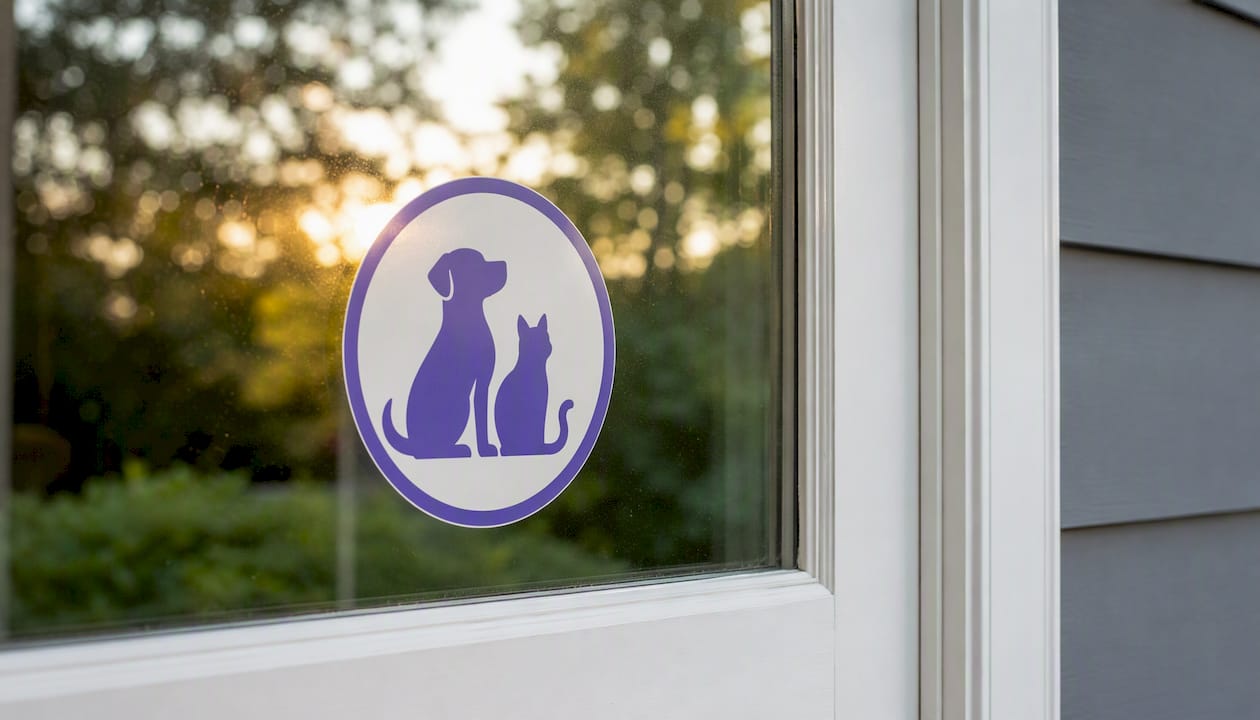
Window sticker works differently. It stays on your front door or a window and tells a rescuer that pets are inside before they even enter. The ASPCA’s Pet Safety Pack includes a sticker designed exactly for this purpose. A sticker and a wallet card are not interchangeable; they serve different moments in an emergency.
Key tag is useful if someone finds your pet loose or your keys. It carries minimal information, typically a phone number and pet name, which is enough to make a call.
Printable PDF is the fastest and cheapest option. Download, fill in, print, and laminate. The Joint Animal Services template and similar shelter PDFs show the standard field layout most responders recognize.
Digital or QR-linked card solves the space problem. A small QR code on a physical card links to a full profile with medications, feeding schedules, and photos. This is where a service like Mypetssafetynet adds real value: the card links out to a managed profile that you can update anytime without reprinting.
One privacy note: a window sticker visible from the street should show only the number of pets and a contact number, not your full address, alarm code, or daily schedule. Keep sensitive access details behind a QR link or in a secured service.
How do you make or customize a pet information card?
Follow these steps to go from blank page to a card you can actually use.
- Choose your format. Decide between a printable PDF, an editable Canva template, or a generator-based export. If you want automated alerts alongside the card, start with Mypetssafetynet. If you just need a card today, grab a free PDF.
- Collect your information. Gather your vet’s number, two emergency contacts, your pet’s medications with exact doses, and your microchip number before you open any template. Having it ready prevents half-filled cards.
- Pick a template or generator. Free options include the Berkeley editable Word template, DVGRR’s PDF, and Etsy Canva files. Mypetssafetynet’s generator walks you through each field.
- Fill critical fields first. Emergency contacts and vet number go in before anything else. If you run out of space, those two fields are what matter most.
- Add a photo or QR code. A small pet photo helps with identification. A QR code pointing to your full care profile handles the details that won’t fit on a wallet card.
- Print and finish. Use card stock (65 lb or heavier) for a sturdier result. Laminate to wallet size (roughly 3.5" x 2") or trim to fit a standard card slot. A writable back lets you add a note or update a phone number without reprinting. For key-ring use, punch a hole in one corner before laminating.
Pro Tip: For medications, use this format on the card: “[Drug name] [dose] [frequency] [with/without food].” For example: “Prednisone 5mg, once daily, with food.” Abbreviations like “SID” or “q24h” are fine for vets but confusing for a neighbor or first responder. Write it out plainly.
Where can you find trusted sources for pet emergency cards?
Knowing where to look saves you from poorly designed templates or sellers with no track record.
- AVMA: The AVMA emergency contact card page explains what fields to include and why. It’s the authoritative baseline for field selection.
- ASPCA: The Pet Planning Packet bundles a Pet Alert Card, Emergency Info Sheet, and Pet Portfolio in one free download. It’s the most complete free option available.
- DVGRR and Joint Animal Services: — Both offer simple, single-page printable PDFs that shelter staff and volunteers actually use. Fields are standardized and easy to fill in.
- Etsy: — Search for “editable pet emergency wallet card” and filter by reviews (4.5 stars or higher) and “instant download.” Verify the file is editable (Canva or Adobe PDF), not a locked image. Check that the seller has recent reviews and a clear refund policy.
- Amazon: — Look for laminated plastic wallet card packs or key tags. Read reviews for print quality and whether the card stock holds up. Shipping typically runs 2–7 days; if you need something today, a printable is faster.
Before downloading any template, confirm it’s an editable file (not a flat image), that the fields match the core list above, and that the source is a recognized organization or a seller with verified reviews.
Typical cost ranges and how long different options take
Getting a usable card doesn’t require spending much, and in most cases you can have one ready within the hour.
- Free: ASPCA, AVMA, DVGRR, Joint Animal Services, and Berkeley all offer printable templates at no cost. Download, fill in, print, and laminate for under $2 in supplies.
- $1–$15: Etsy editable templates and Amazon key-tag packs fall in this range. Etsy files are instant; Amazon ships in 2–7 days.
- $10–$30: Professionally produced plastic wallet cards from marketplace sellers. More durable than laminated paper, but you’ll wait for shipping.
- Mypetssafetynet (free trial, then subscription): The card generator and PDF export are available immediately after signup, which takes 5–15 minutes. The subscription adds automated wellness checks and escalation alerts on top of the card.
If your need is urgent, a free printable gets you covered in minutes. If you want durability and ongoing protection, the subscription model pays for itself the first time your contacts need to be reached automatically.
Why pairing a card with a Pet Planning Packet reduces risk for your pet
A wallet card is a starting point, not a complete plan. The ASPCA’s Pet Planning Packet bundles a Pet Alert Card with an Emergency Info Sheet and Pet Portfolio because a card alone can’t carry everything a caregiver needs. Feeding schedules, behavioral notes, insurance details, and medical history don’t fit on a 3.5" card. A full packet kept in a known location fills that gap.
The AVMA reinforces this: emergency contact cards work best as part of a broader preparedness approach, not as a standalone document. A card gets the right people called. The packet tells those people what to do next.
Where automated wellness checks change the equation is in timing. A card is passive; it only helps after someone finds it. An automated check-in service like Mypetssafetynet is active: if you miss a scheduled check-in, your emergency contacts are notified before anyone has to find a card at all. That reduces the window during which your pet could be left unattended, which is the real risk for solo owners. You can read more about how this works in the context of hospitalization scenarios.
DVGRR advises keeping one copy of your emergency card in your wallet and another on the refrigerator. That two-copy approach means a responder at the scene and a caregiver arriving at your home both have the information they need without having to search for it.
Pro Tip: Add a QR code to your wallet card that links directly to your full Pet Planning Packet stored online. If your card is found but your packet is at home, the QR code bridges the gap instantly.
How to use a pet information card during an emergency
Owner checklist
- Keep your wallet card on you at all times, not just at home.
- Tell at least one neighbor and one household member where your fridge copy and house keys are.
- Store a second copy in your go-bag or car.
- Update the card whenever a contact number, medication, or vet changes. A card with an old phone number is nearly useless.
Responder checklist
- Check the owner’s wallet or purse for a wallet card.
- Look for a window sticker on the front door or a visible window.
- Call the first emergency contact listed; if unreachable, call the second.
- Scan any QR code on the card for full care instructions.
- Contact the listed veterinarian for medical history and guidance.
- If the pet is microchipped, the chip number on the card lets a shelter or vet scan and confirm identity.
If initial contacts are unreachable
Call the secondary caregiver listed on the card. If no one answers, contact local animal control or a nearby shelter and provide the pet’s description and the owner’s information. For owners using Mypetssafetynet, the escalation workflow handles this automatically: if your primary contact doesn’t respond, the system moves to the next contact in sequence. You can build and maintain that caregiver network directly inside the platform.
Pro Tip: Add one line to your card about your pet’s temperament: “Friendly with strangers” or “Fearful, approach slowly, may bite if cornered.” This tells a rescuer whether to handle the pet directly or call for a trained animal handler. It takes five words and could prevent an injury.
Mypetssafetynet’s perspective on what actually protects your pet
Most pet owners think about emergency cards after a scare, not before one. That’s understandable. But the gap between “I should do this” and “I’ve actually done it” is where pets get left behind.
A printed card is better than nothing. A card plus a Pet Planning Packet is meaningfully better. But neither one calls your emergency contacts when you can’t. That’s the piece most preparedness guides skip over, and it’s the piece that matters most for solo owners, seniors, or anyone living with a health condition.
Mypetssafetynet was built specifically for that gap. The card generator handles the document side; the automated wellness checks handle the notification side. Together, they cover both the passive scenario (someone finds your card) and the active one (no one has found anything yet, but you haven’t checked in). If you want to understand what that looks like in a real hospitalization scenario, the emergency pet care planning guide walks through it step by step.
The honest recommendation: start with a free printable today if you don’t have anything. Then, when you’re ready to add the layer that actually alerts people, set up a Mypetssafetynet account. The free trial takes less than 15 minutes to configure, and your pets are covered from the moment you finish.

Sources
These are vetted, free resources you can use right now:
- Emergency contact cards | American Veterinary Medical Association
- Pet Planning Packet | Pet Alert Card | Emergency Info Sheet | Pet Portfolio | ASPCA
- Pet Emergency Cards PDF | DVGRR
- Pet-Emergency-Cards.pdf | Joint Animal Services